Say it.
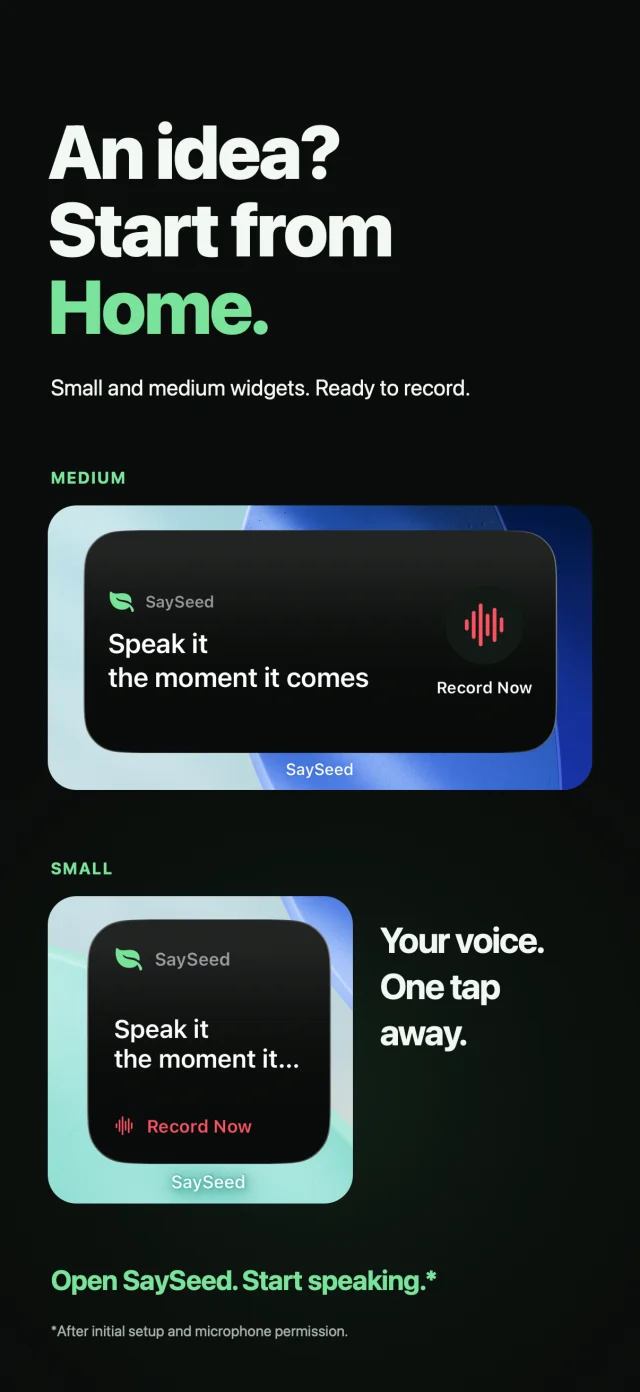
Open SaySeed and speak while the thought is still fresh.
Voice-first idea capture for iPhone
Your thoughts move faster than your notes.
Capture them with your voice. Come back to the ideas worth growing.

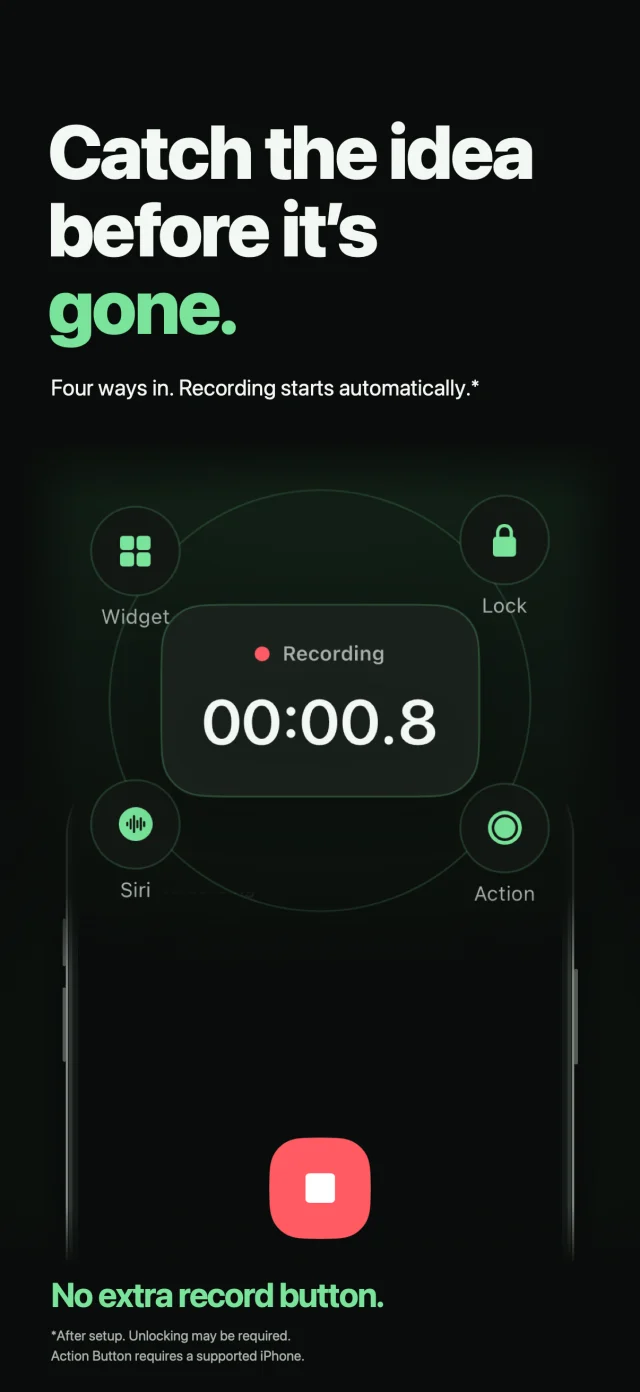
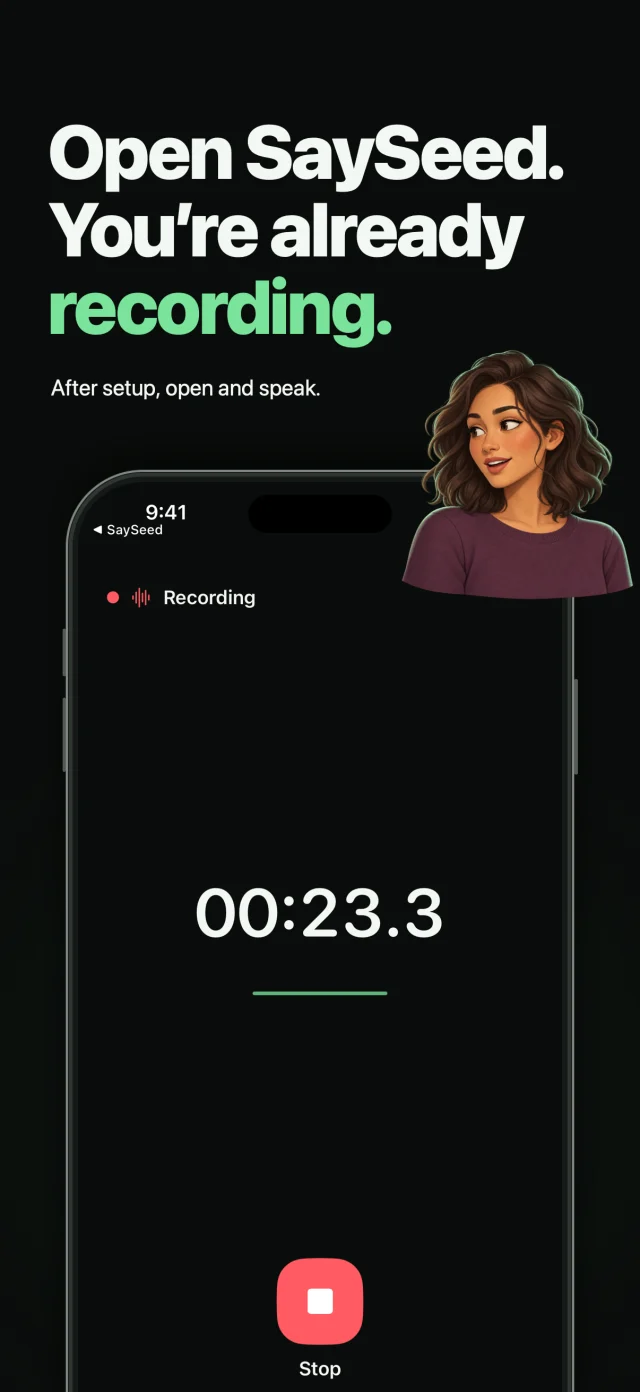
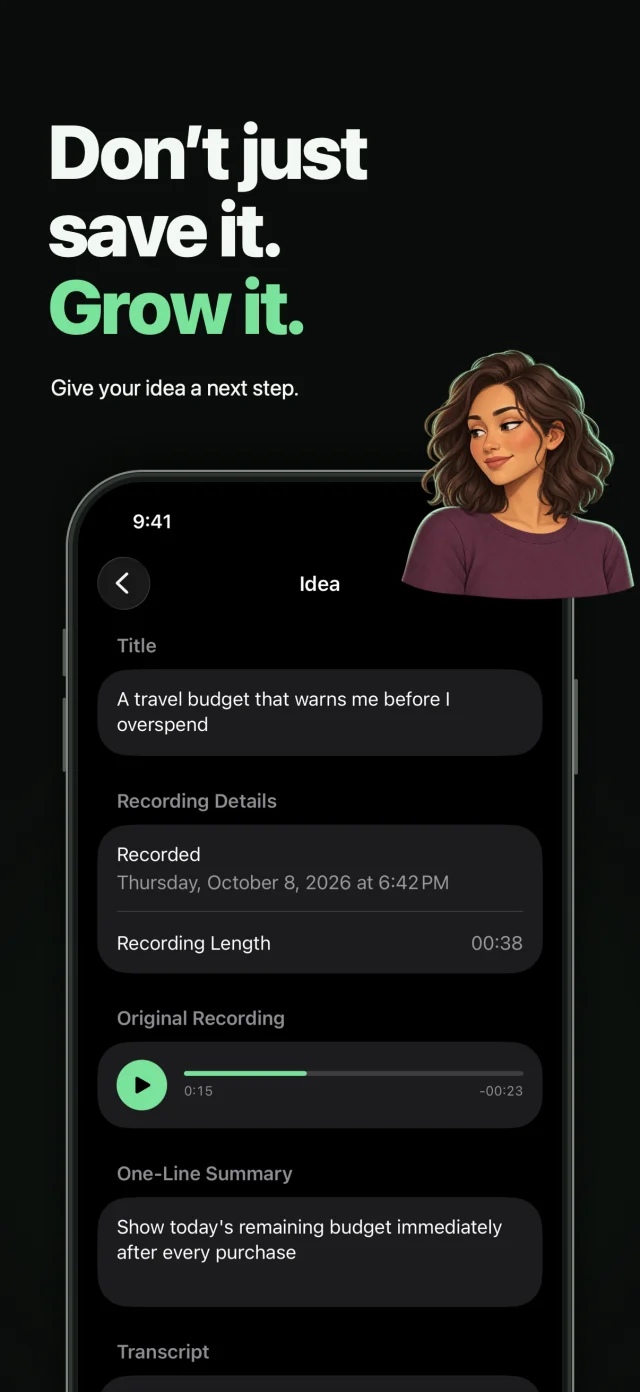
2 / 3 Swipe to explore
A small habit. More room for ideas.
Open SaySeed and speak while the thought is still fresh.
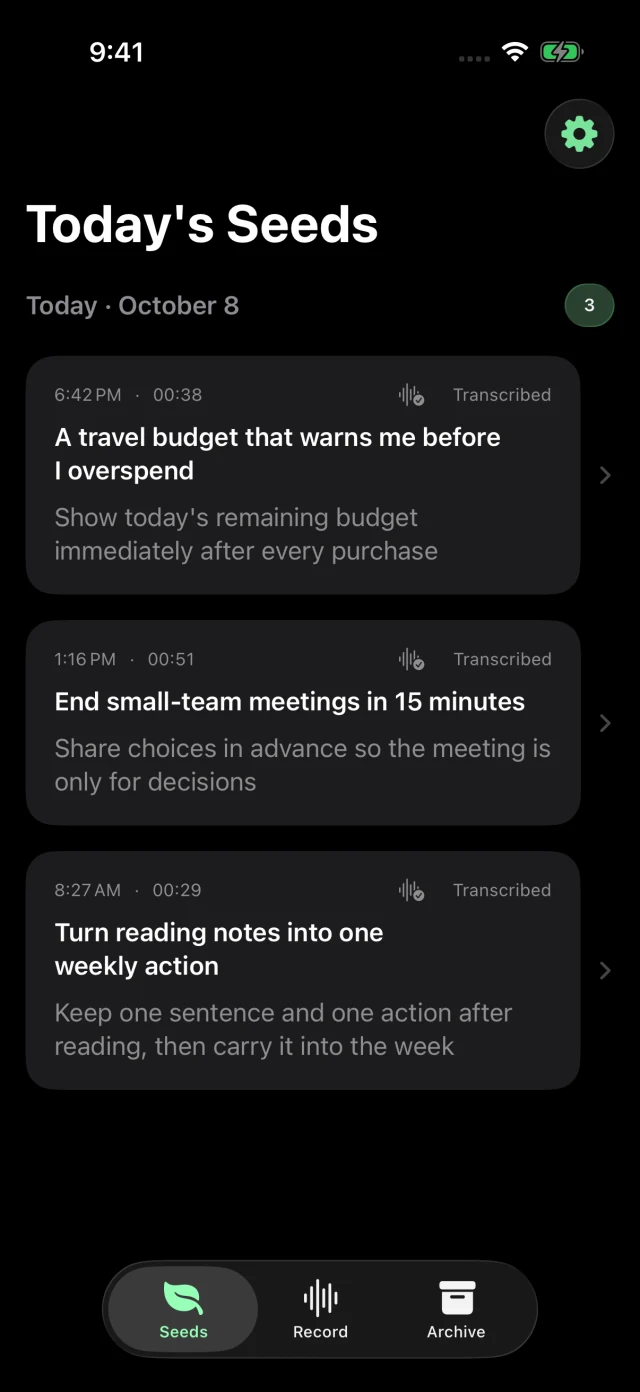
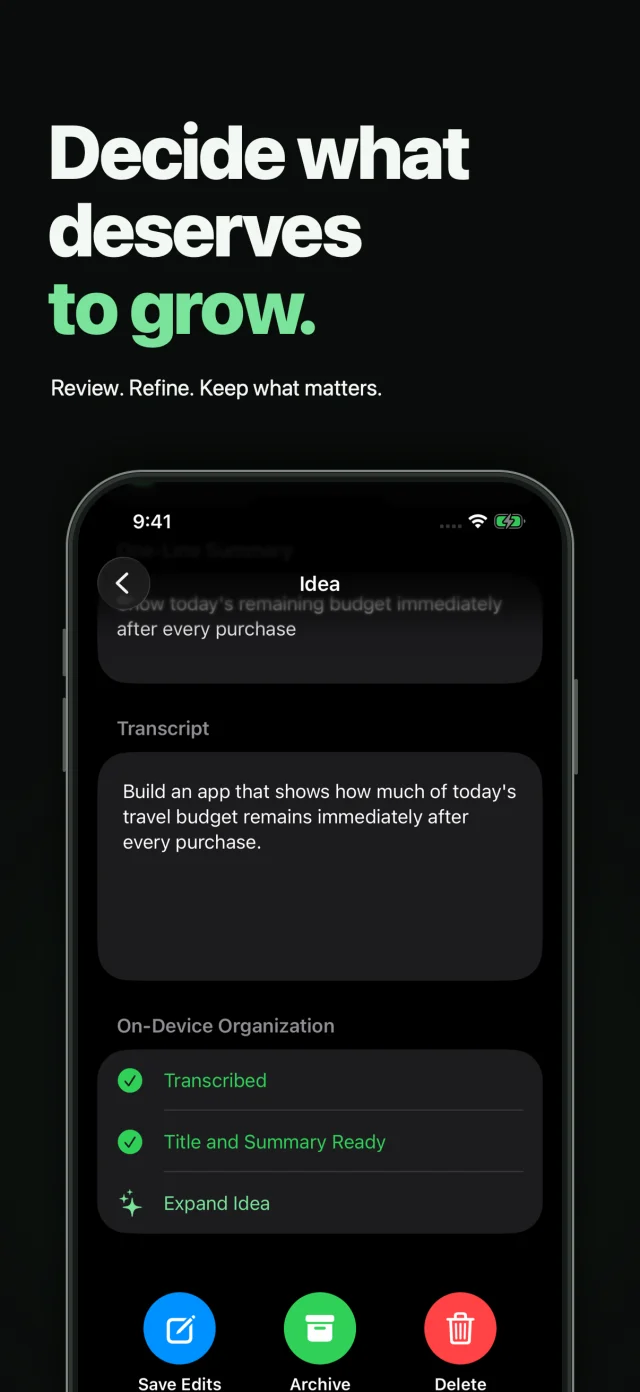
Turn voice into text, then refine the title, summary, and thought.
Return, review, and choose the ideas you want to take further.
Capture before it disappears
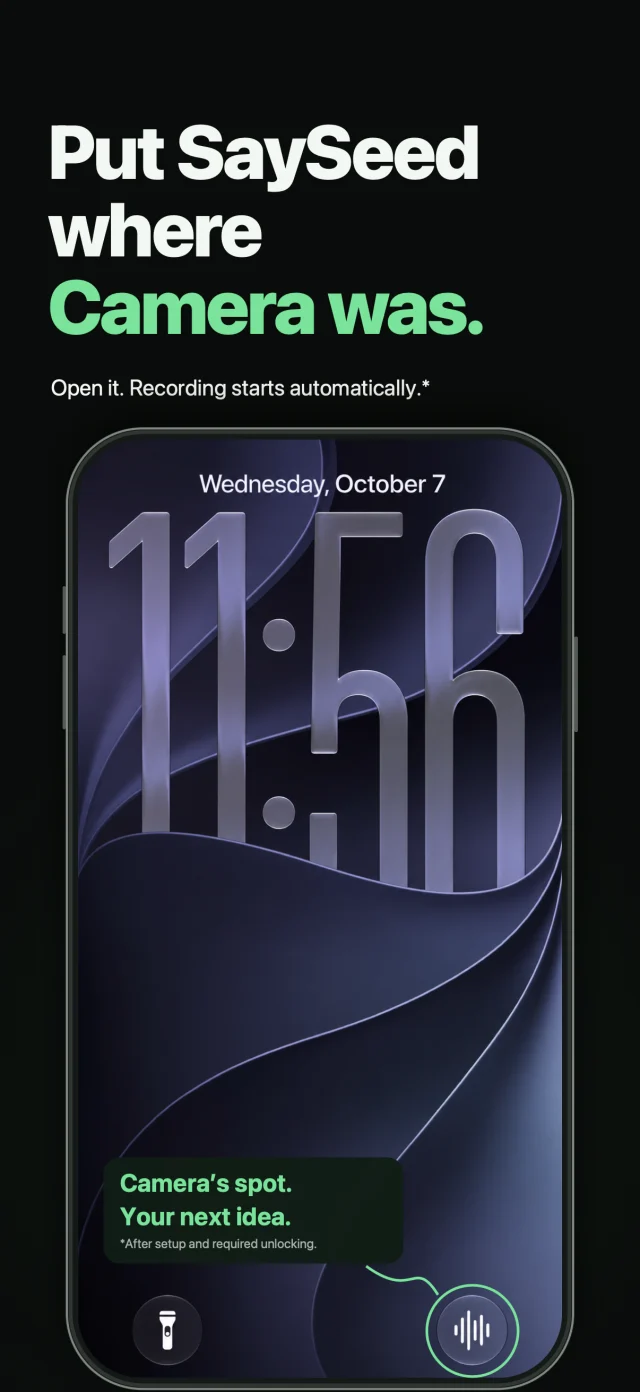
On a walk. Between classes. Halfway through something else. Keep a way to capture a thought right where you need it.
After initial setup and microphone permission. Unlocking may be required. Action Button requires a supported iPhone.
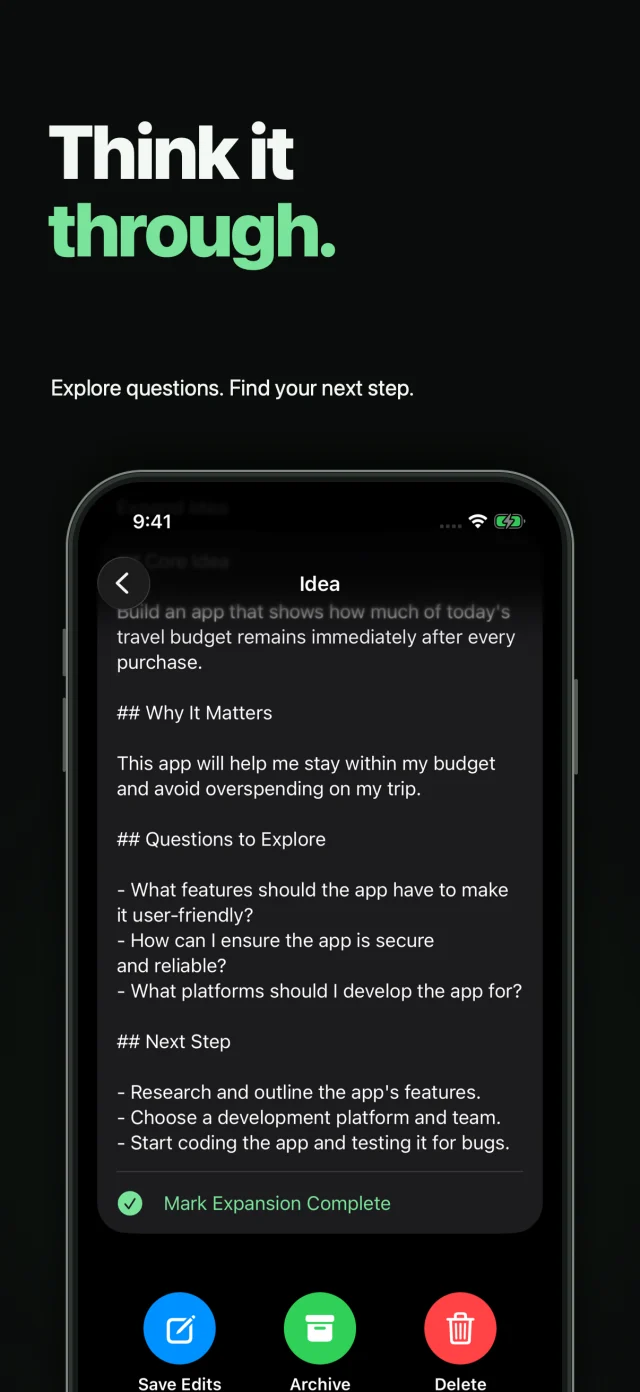
Turn voice into something useful
Get the words out first. SaySeed helps you find the shape of an idea, without losing the original voice behind it.
Transcription and intelligence features depend on supported devices, languages, and system availability. Recording and manual review remain available.
 Your thoughts, taking shape.
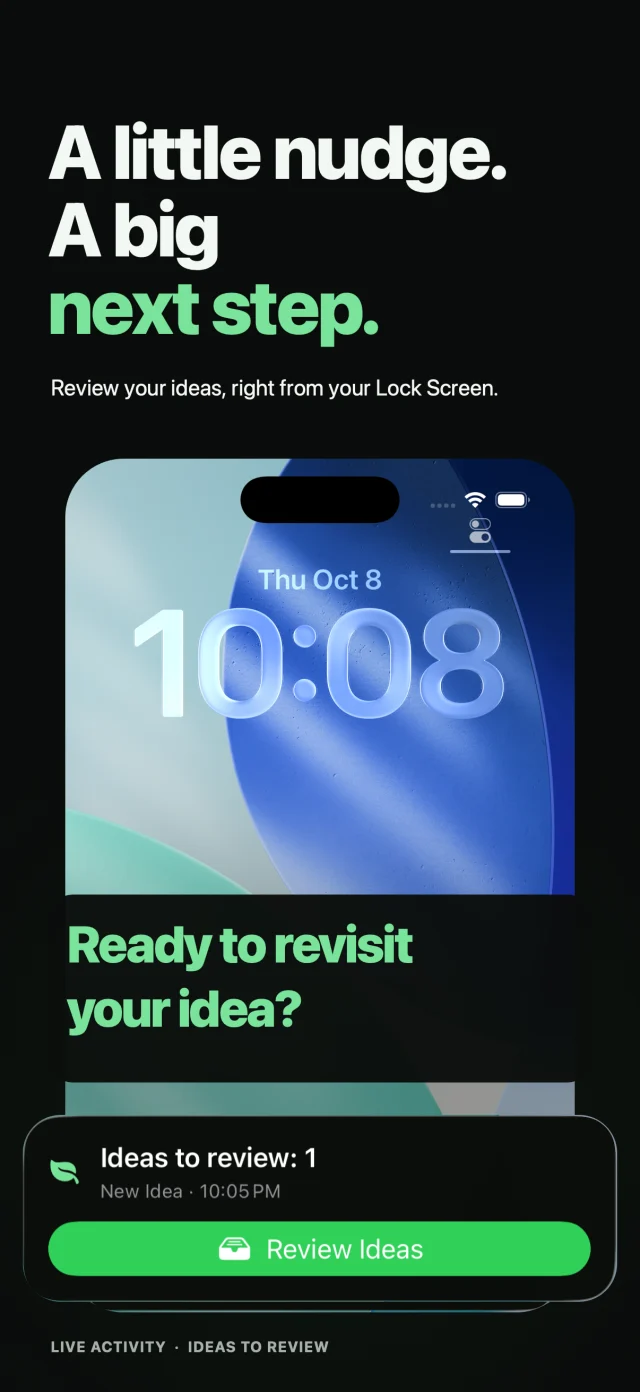
Come back and decide
A saved thought deserves another look. Keep ideas in your inbox until you’re ready to review, refine, and decide what comes next.
Reminders and Live Activities are optional and depend on system permissions.
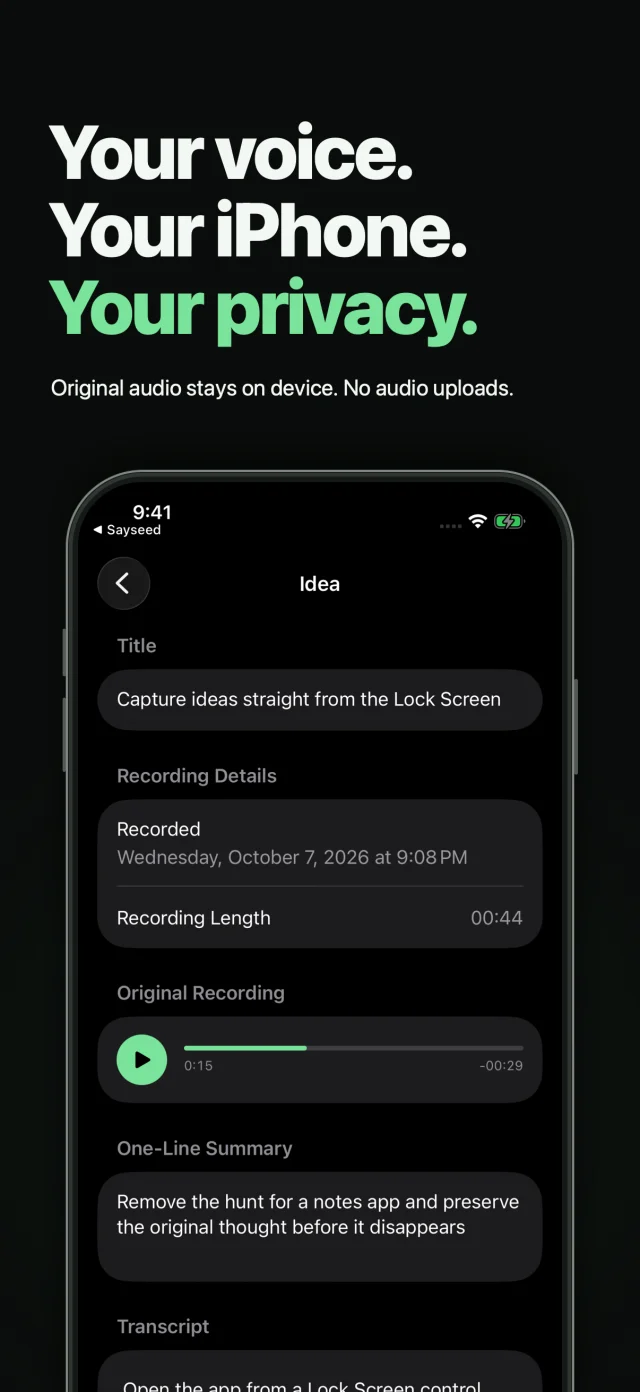
Original voice. Always worth keeping.
The original recording stays on your iPhone, so you can return to the thought exactly as you said it.
Original audio is saved on your iPhone. Supported transcription and intelligence run on device.
Start with a thought, not a sign-up form.
SaySeed uses Firebase Analytics and Crashlytics for app usage and diagnostics. See our privacy policy for details.
Read the privacy policySaySeed is a voice-first idea capture app for iPhone. Record thoughts as they arrive, turn them into text when supported, then return to review, refine, and archive the ideas worth keeping.
No. SaySeed does not require an account or sign-in. Complete the initial setup, allow microphone access, and start capturing your ideas.
SaySeed is available for iPhone with iOS 26.0 or later. The app interface is available in English and Korean. Transcription and intelligence feature availability depends on your device, language, and system settings.
No. On-device titles, summaries, and insights require supported hardware, language, and system availability. You can still record, replay the original audio, and review or edit ideas manually when those features are unavailable.
Yes. You can edit the transcript, title, and summary, archive the ideas you want to keep, and export your archive as CSV.
Your original recording is saved locally on your iPhone. Supported transcription and intelligence are processed on device. For information about usage analytics and crash diagnostics, read the privacy policy.

For your next “what if…”
Say it now. Shape it later. Keep the ideas worth growing.
Get SaySeed on the App Store